# Restart PHP
Each primary website on Enhance has its own PHP container. It is possible to restart this container without impacting other websites on your Enhance account.
Restarting a website's PHP container will reload the php.ini and the redis.conf for this site and its addon, aliases and subdomains domains. It will also terminate any stuck PHP workers and allow for new requests to be serverd.
To restart a website's php container:
- Open Websites in the left side bar
- Select the website you would like to update the php version on
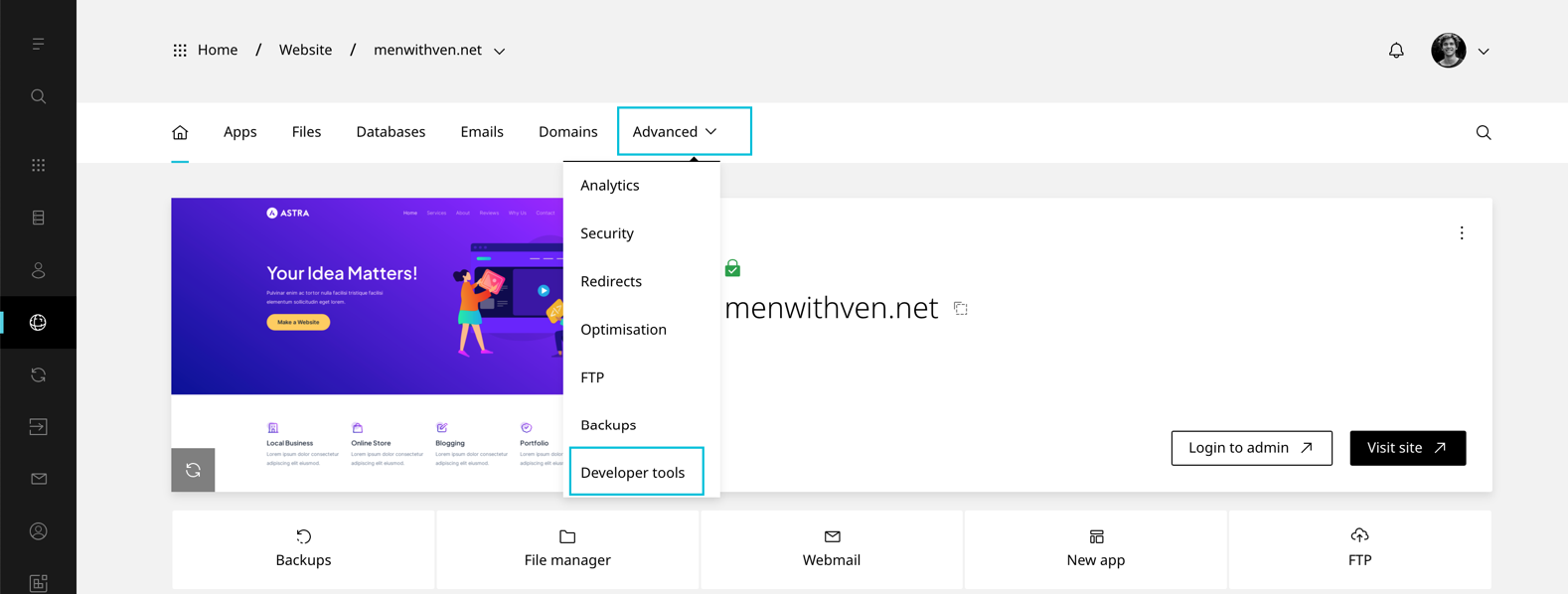
- When the website dashboard loads select Advanced in the top navigation
- Select Developer tools
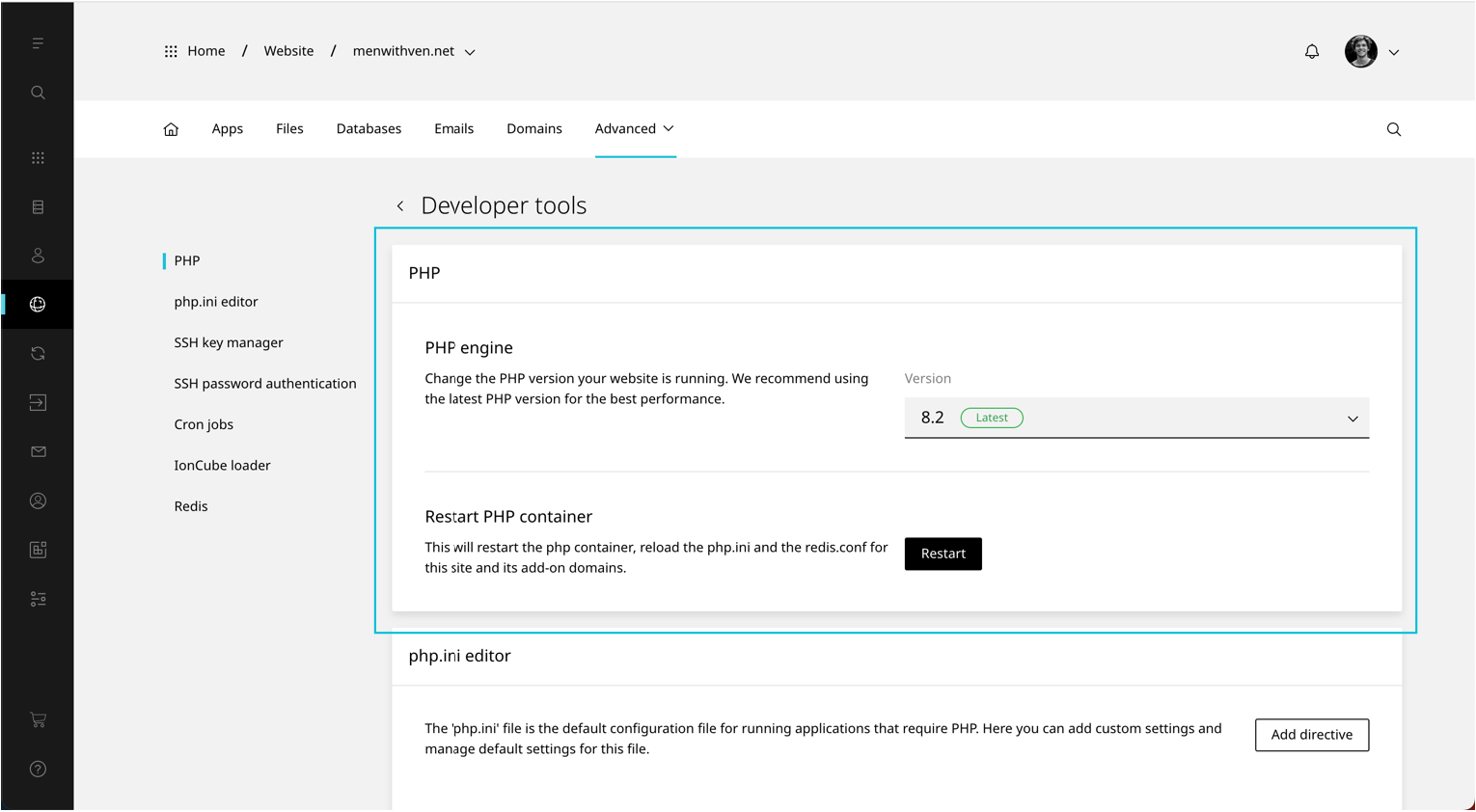
- Scroll to PHP
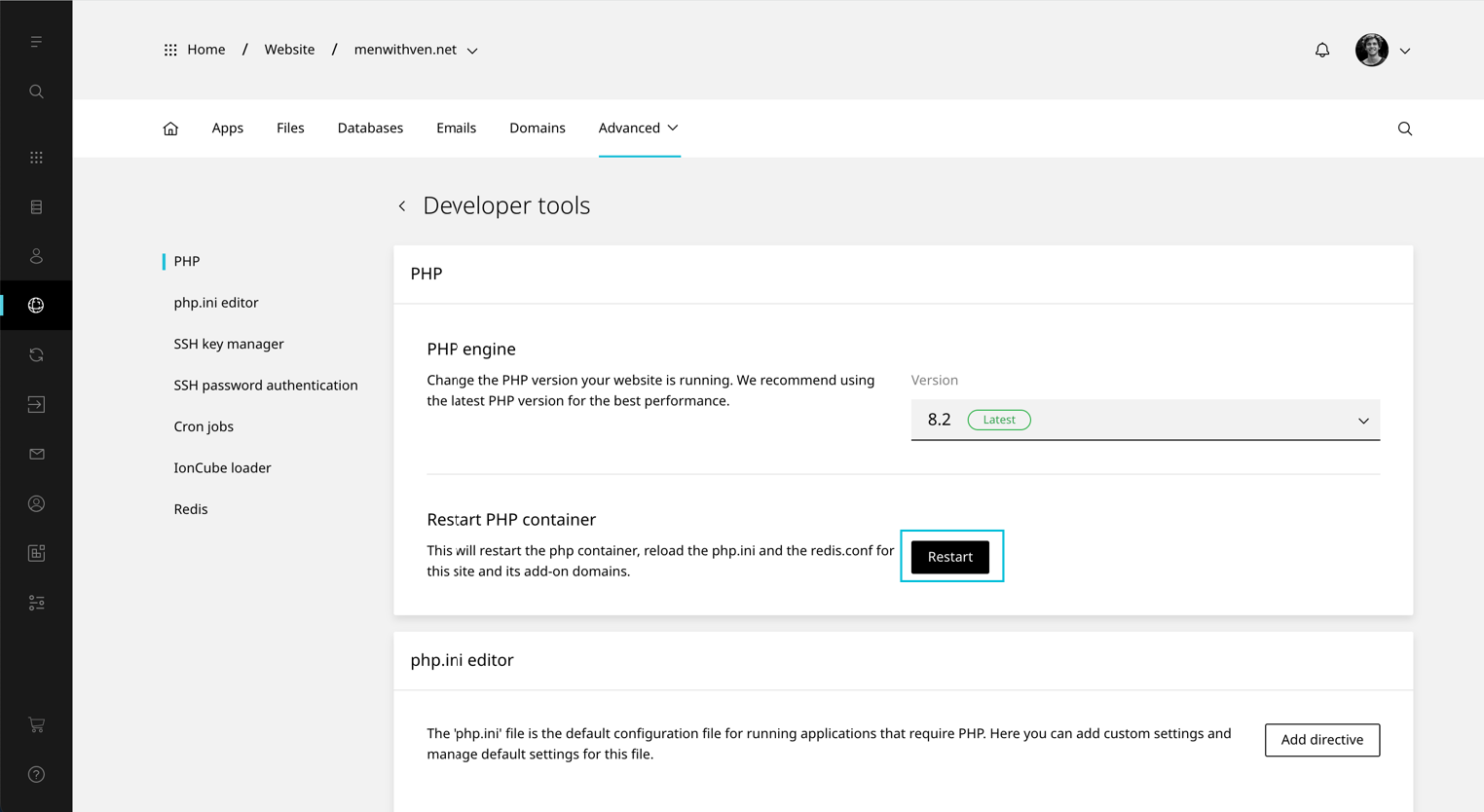
- Under 'Restart PHP container' click Restart
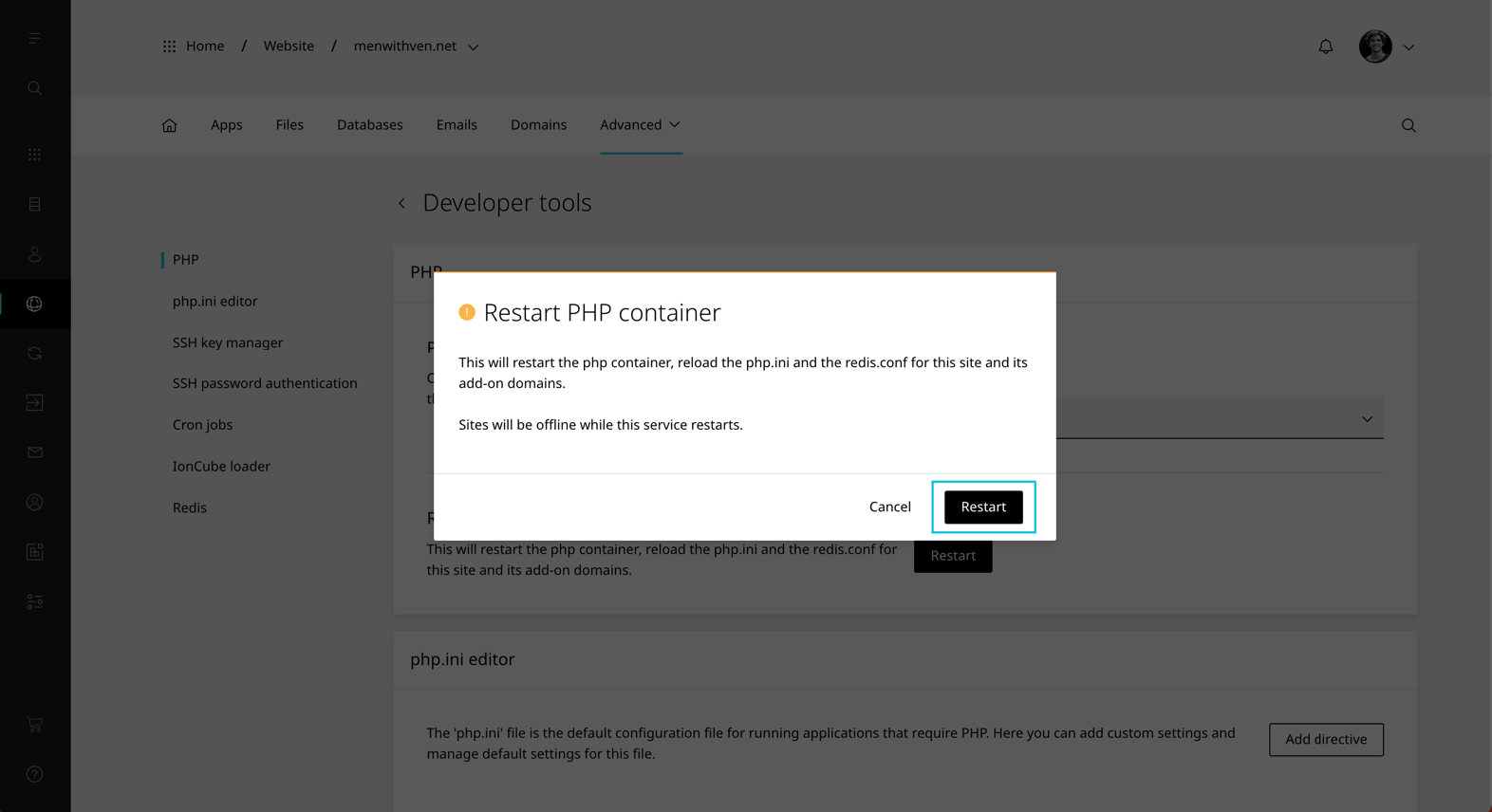
- A confirmation modal will load. Select Restart.
WARNING
The website will be offline while the PHP service restarts.